Tenstorrent GraySkull Note
Grayskull™ e75/e150 Tensix Processor link
This section outlines the system requirements, physical installation instructions, and initial software set-up for Grayskull™ e75 and e150 Tensix Processor add-in boards.
NOTE: Software support for Grayskull has been discontinued. The last supported versions of Tenstorrent’s software for Grayskull are as follows:
- TT-Firmware:
fw_pack-80.14.0.0.fwbundle - TT-KMD:
ttkmd_1.31 - TT-Buda:
v0.19.3 - TT-Metalium:
v0.55
Installation
Based on: https://docs.tenstorrent.com/tt-metal/latest/tt-metalium/installing.html#prerequisites
[!important]
- Use python 3.10
TT-KMD driver install
- DKMS must be installed:
| OS | Command |
|---|---|
| Ubuntu / Debian | apt install dkms |
| Fedora | dnf install dkms |
| Enterprise Linux Based | dnf install epel-release && dnf install dkms |
- Install the latest TT-KMD version:
1 | |
- For more information visit Tenstorrents TT-KMD GitHub repository.
Update Device TT-Firmware with TT-Flash
Be sure to align the FW version with the compatible version in the table above for your particular configuration.
Install TT-Flash:
1
pip install git+https://github.com/tenstorrent/tt-flash.gitReboot to load changes.
Download and install the TT-Firmware version according to the table above. We will use latest here as example:
1 | |
- For more information visit Tenstorrent’s TT-Firmware GitHub Repository and TT-Flash Github Repository.
Install System Management Interface (TT-SMI)
1 | |
A display with device information, telemetry, and firmware will appear:
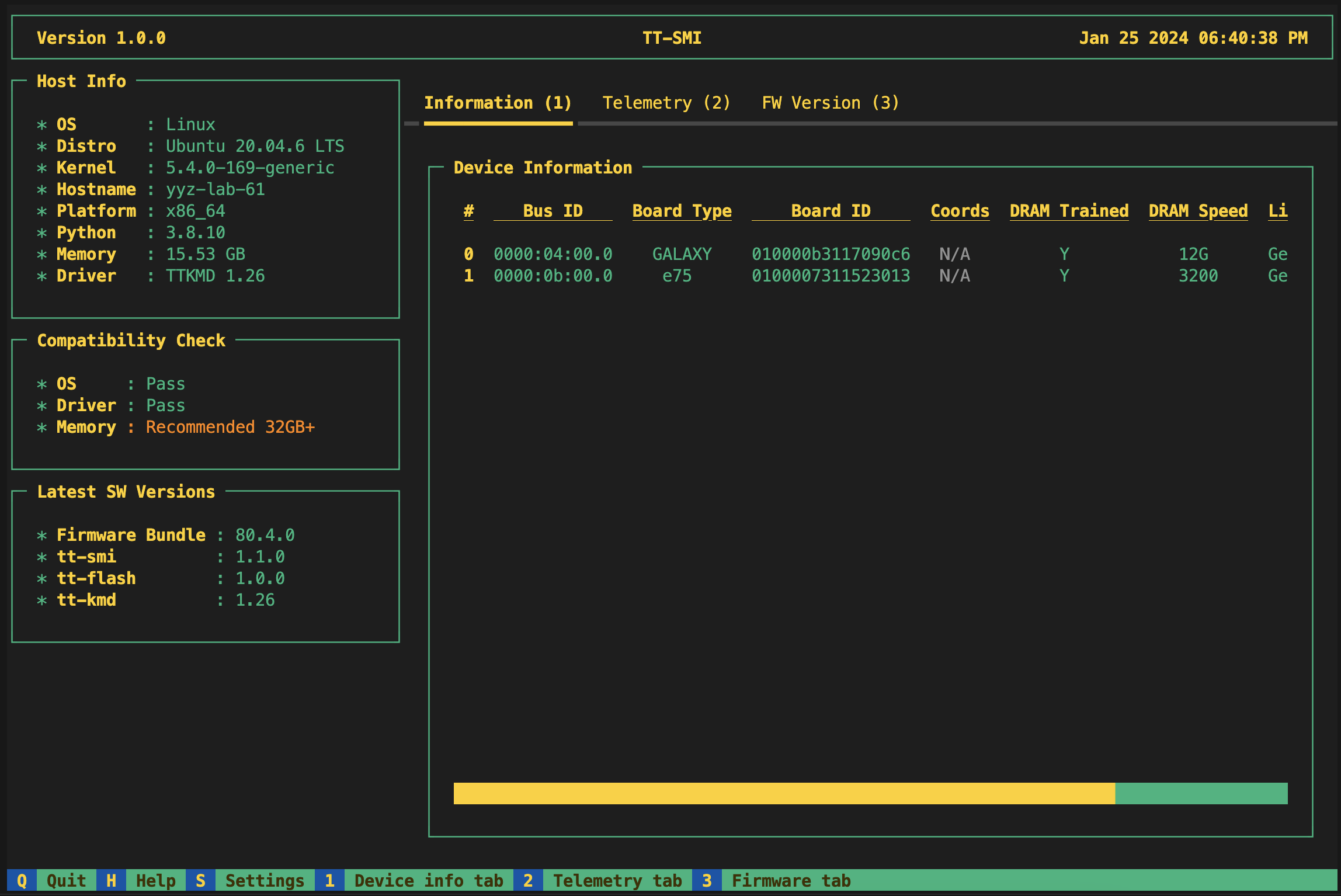
If the tool runs without error, your system has been configured correctly.
- For more information, visit Tenstorrent’s TT-SMI GitHub repository.
Install TT-Metal!
[!warning]
Switch your Python to 3.10 version in this step
Clone tt-metal repo, switch to correct version:
1 | |
Some Pre-requests:1
2
3
4sudo apt install libboost-all-dev
sudo apt install lld
sudo apt install pandoc libtbb-dev libcapstone-dev pkg-config
sudo bash install_dependencies.sh
[!note]
Also, install latest cmake as well.
Add this into second line of CMakeLists.txt:
1 | |
Set environment variables:
1 | |
Then build the library:
1 | |
If you have YAML error, download this file: grayskull_120_arch.yaml
Install TTNN
After TT-Metal is compiled, in the same directory, use:
1 | |